
Why Manual Budgeting Apps Matter
Most budgeting apps ask for your bank login before they do anything useful. Dzing and Today’s Budget refuse that entirely: every entry is manual by design. You trade a few seconds of typing for privacy, control, and a budget you actually understand.
The reason to pick a manual-entry app is narrow but real. If you want the best budgeting app without bank sync, one that never sees your credentials and shows you exactly how it decides what you can spend, this is the category to look at. The cost is honest, since you log transactions yourself instead of importing them.
How We Compared
Mainstream apps like YNAB, Monarch Money, Copilot Money, and Rocket Money build everything around bank sync and automatic import. Strip that away and the field gets small fast. Dzing and Today’s Budget are the two strongest manual-entry options, so this comparison puts them side by side across four things that genuinely differ: the daily budgeting workflow, the privacy model, pricing, and platform support.
Dzing: Safe-to-Spend From Transparent Planning
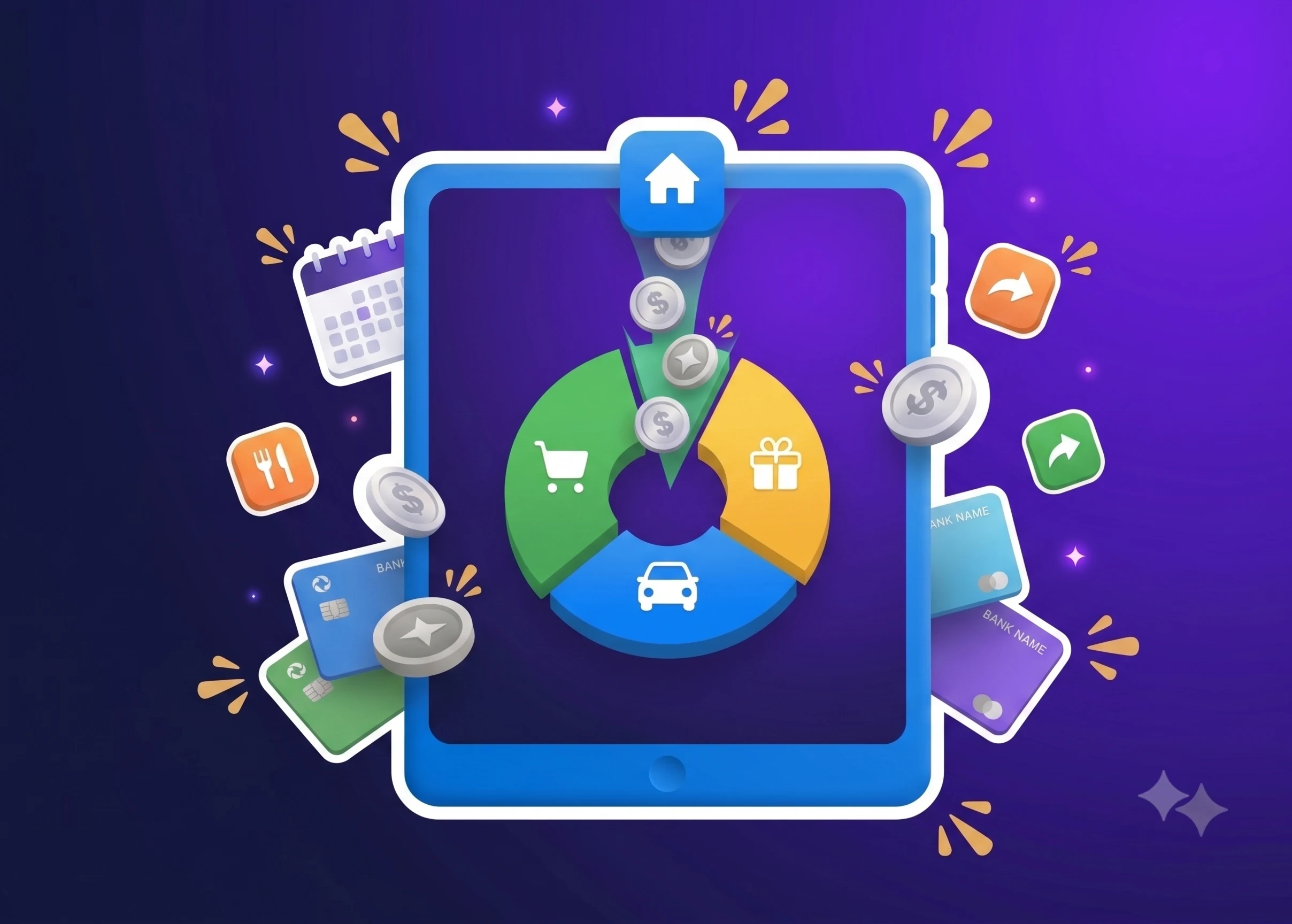
Dzing computes one number: how much is safe to spend. That figure comes from a transparent formula combining your income plan, recurring expenses like salary, subscriptions and bills, one-off costs, savings goals, and existing budgets. The app shows the full breakdown, so you can trace exactly why the number landed where it did.
You enter every transaction by hand. Dzing supports multiple accounts in different currencies, which lets you keep separate wallets, personal and business for instance, from bleeding into each other. Spending history and analytics show where the money actually went.
The whole point sits in that safe-to-spend figure. It answers “how much can I spend right now without touching my rent or my savings target” instead of the vaguer “how much have I spent this month.” That shift changes what you check before you buy something.
Today’s Budget: Daily Rollover With Expense Spreading
Today’s Budget splits your monthly income into a daily allowance. Earn $3,000 a month and it shows roughly $100 a day. Whatever you skip rolls forward, so a $60 day hands you $140 to work with tomorrow.
Expenses log as one-time costs or spread across days and weeks. That spreading works like interest-free borrowing from yourself: a surprise $300 bill can ride across the rest of the month instead of wrecking a single day.
It also backs “pay yourself first,” carving savings out of the budget before it calculates spending money. Separate wallets keep personal and business apart, and a dedicated watch app plus a home screen widget make logging something you can do in a couple of taps.
Pricing is $24.99 a year, close to $2 a month, after a 7-day free trial.
Privacy and Data Collection
Neither app links to a bank, so neither collects personal financial data. Your transaction records stay yours. There is a second-order effect too: with no account linking, the developers get no usage analytics at all, which means the roadmap moves on volunteered feedback rather than silent tracking.
If a third-party data breach is on your mind, or you simply don’t want to hand banking credentials to another company, that gap is the whole advantage over sync-based apps.
Comparison Table
| Feature | Dzing | Today’s Budget |
|---|---|---|
| Core Method | Safe-to-spend calculation from income plan, recurring expenses, goals, and budgets | Daily budget amount with automatic rollover |
| Entry Method | Manual transaction entry | Manual transaction entry |
| Bank Sync | No | No |
| Multi-Currency | Yes | Not specified |
| Savings Features | Savings goals feed into safe-to-spend calculation | Pay yourself first, savings jar rollover |
| Recurring Expenses | Income, subscriptions, bills all tracked | Salary spreading, recurring expenses supported |
| Expense Flexibility | One-time or split across days/weeks | One-time or spread across multiple days/weeks |
| Platform Support | Not specified | Watch app, home screen widget, phone shortcuts |
| Pricing | Not specified | $24.99/year (~$2/month) |
| Data Collection | Zero | Zero |
| Key Usability Point | Transparent formula for safe-to-spend | Required category selection adds friction |
Where Dzing Falls Short
Dzing imports nothing, so the upfront work is real: you key in planned income and recurring expenses yourself before the safe-to-spend number means anything. That is deliberate. If automatic syncing is what you want, this is the wrong tool.
It moves no money at all: no bill pay, no transfers, no touching your actual bank account. Dzing plans and tracks, and paying the bill still happens somewhere else.
Published platform details are thin. If you lean hard on smartwatch logging, confirm what Dzing offers there before you commit, since its away-from-phone options may be narrower than Today’s Budget’s dedicated watch app.
Why Choose Manual Entry?
Manual entry adds friction on purpose. Every transaction is a tap, a category, an amount you confirm. That small tax buys awareness: you feel each dollar leave, and feeling it changes how you spend.
Automatic import feels effortless right up to the moment it isn’t. It pulls a phantom charge, misreads an amount, or files a purchase under the wrong category, and then you are auditing your own data, second-guessing whether it caught everything or missed a subscription that hasn’t billed yet this month.
With manual entry you know what is logged because you logged it. Nothing hides inside a sync you never watched.
Who Dzing and Today’s Budget Are For
These apps fit people who:
- Want a real safe-to-spend number before they commit to a purchase
- Would rather not hand banking credentials to a third party
- Accept manual logging as the price of owning their data outright
- Have irregular income, several income streams, or messy recurring expenses that automatic tracking tends to fumble
- Want budgeting to stay a planning tool, not a full financial platform
If you need automatic tracking, bill pay, investment tracking, or subscription cancellation, YNAB, Monarch Money, Copilot Money, and Rocket Money are built for exactly that, and bank sync is the core of how they work.
Picking The App That Matches How You Spend
Do a monthly budget by hand and the friction never fully leaves: you are the one deciding what is safe to spend, holding recurring bills and savings targets in your head, and recalculating after every purchase. One slip and the number you trusted is already stale.
Picture the same month with that math handled for you. You open the app, see a single figure that already accounts for rent, subscriptions, and your savings goal, and you either buy the thing or you don’t. No spreadsheet, no mental arithmetic.
That is what Dzing is built to do. It turns your income plan, planned operations for recurring salary, subscriptions, bills and one-off expenses, multi-currency accounts, budgets, and savings goals into one safe-to-spend number with a breakdown you can inspect line by line.
Dzing will never sync a bank, aggregate accounts, track investments, or move a cent of real money: every entry is manual, on purpose. That constraint is the point, and it is why the number stays yours.