GoodBudget and EveryDollar both sort spending into envelopes: named categories you fund and then track against. They split on one decision that shapes everything else. EveryDollar connects to your bank and pulls transactions in for you, then leaves you to sort them by hand, while GoodBudget stays manual and offline from the first entry. Dzing works from a different starting point, showing a single safe-to-spend number that shifts every time you log a planned salary, subscription, or one-off bill. These are the real trade-offs, matched to the way you actually plan.
How We Compared These GoodBudget Alternatives
This comparison pulls from official pricing, documented features, and platform support for both apps. The focus stays on the job they share: tracking recurring salary, subscriptions, and bills across more than one account. For Dzing, the source is its product documentation and the design logic behind its transparent safe-to-spend calculation.
EveryDollar vs GoodBudget Pricing
EveryDollar’s paid tier runs $8.25 a month or $99 a year. That price includes bank sync, so transactions import straight from your connected accounts, though you still assign a category to each one after it lands. The free tier keeps unlimited budget categories and the basics, but sync sits behind the paywall.
GoodBudget costs less: $6 a month or $50 a year gets you unlimited envelopes and the extra system features. One difference matters more than the price. GoodBudget never syncs with a bank, at any tier, so every entry is manual. Its free tier caps you near 10 envelopes, which is fine for a lean budget but tight once you track groceries, utilities, subscriptions, dining, entertainment, and savings goals separately.
On raw cost, GoodBudget wins. On feature breadth, EveryDollar’s auto-import pays off if you make a lot of small purchases.
Platform Availability and Core Features
Both apps run on web, iPhone, and Android, so your budget follows you across devices. That parity means the real differences show up in method, not in access.
EveryDollar’s signature feature is Dave Ramsey’s baby steps, built directly into the app. It lays out a fixed order: emergency fund first, then debt payoff, then investing. Follow that method and the app reinforces it at every turn; ignore it and the structure can feel like it’s pushing you.
Beyond that, EveryDollar gives unlimited categories on the free tier, lets you split one purchase across several categories, share an account with another person, and star the categories you touch most so they surface faster.
GoodBudget leans on envelope psychology, the old habit of splitting cash into labeled pockets so a limit feels physical. That metaphor carries into the app, and plenty of people find it easier to reason about than abstract line items.
Both let you budget across several accounts and currencies, which matters if you keep checking and savings separate or earn and spend in more than one currency.
Budgeting Periods and Transaction Entry
Here’s a difference you feel every payday: GoodBudget handles weekly, bi-weekly, semi-monthly, and monthly cycles, while EveryDollar only does monthly. Get paid every two weeks, or juggle bills on odd dates, and GoodBudget bends to your schedule where EveryDollar can’t.
GoodBudget’s mobile app also autofills merchant names as you type. Start entering “Whole” and it offers “Whole Foods,” which saves a few taps each time. EveryDollar wants the full merchant and amount typed out on every entry, a small drag that adds up if you log a lot on your phone.
Spending Alerts and Reports
GoodBudget warns you as your pace approaches or passes an envelope limit, and it marks the moment with a smiley or sad face so overspending registers at a glance. It also builds spending reports split by envelope, month, and payee, which is how you catch a pattern like 40% of your dining budget going to coffee shops.
EveryDollar has alerts too, but they carry less visual weight. The app leans harder on historical reporting than on the forward-looking pace warnings GoodBudget puts front and center.
Key Limitations Before You Switch
EveryDollar’s mobile app needs a live internet connection at all times, with no offline viewing or editing. Lose signal on a trip or drop your connection at home, and a new transaction has to wait until you’re back online.
It also skips a running multi-month average for any single category. If groceries hit $400 one month and $600 the next, nothing tells you which figure is normal or whether the trend is climbing, so you compare months by hand or rebuild it in a spreadsheet.
GoodBudget’s sore spot is that free-tier cap of roughly 10 envelopes. Paid removes it, but while you’re testing the app or choosing not to pay, the limit can force you to merge categories like dining and groceries, or run a second tool for the overflow.
Both apps carry the same underlying chore: once the budget exists, every transaction still gets logged by hand. At 50-plus transactions a week, that grinds even with autofill. EveryDollar’s bank sync softens it, though you still categorize each import, so it never goes fully hands-off.
Which One Should You Pick
Choose EveryDollar if you want a full, free digital budgeting system with bank linking and don’t mind categorizing imports yourself. It covers a lot, connects cleanly, and stays free up to the point where sync and premium features kick in.
Choose GoodBudget if you’re tracking cash envelopes digitally, running it next to an existing spreadsheet, or you simply prefer local-only tracking without cloud sync. At $6 a month, its paid tier is the cheapest route to unlimited envelopes when you need them.
Choose neither if your real problem is not knowing what’s safe to spend once the bills clear. That’s the gap Dzing is built for.
Comparison Table
| Product | Pricing | Core Method | Bank Sync | Best For | Main Weakness |
|---|---|---|---|---|---|
| EveryDollar | Free (basic), $8.25/mo or $99/yr (premium) | Envelope budgeting + Dave Ramsey baby steps | Yes (premium tier) | People wanting automatic transaction import and structured debt-payoff guidance | Mobile app requires internet; no offline mode; no monthly spending averages |
| GoodBudget | Free (~10 envelopes), $6/mo or $50/yr (unlimited) | Envelope tracking (manual, digital cash envelopes) | No | People preferring flexible budgeting cycles (weekly, bi-weekly) and simple local tracking | Free tier capped at ~10 envelopes; manual entry only; no spending analytics |
| Dzing | Pricing details on site | Plan-based safe-to-spend calculation from income and commitments | No | People managing recurring bills and salary across accounts seeking one number to guide daily spending | Manual entry only; no transaction tracking or categorization; no bill pay or money movement; no investment tracking |
What Dzing Answers That Envelope Apps Don’t
EveryDollar and GoodBudget are built to answer a backward-looking question: where did the money go last month, across groceries, dining, and subscriptions? They sort and reflect on spending that already happened. A tidy record of last month tells you nothing about the number you actually need on a Tuesday afternoon: how much can I spend right now without wrecking a bill that’s due next week.
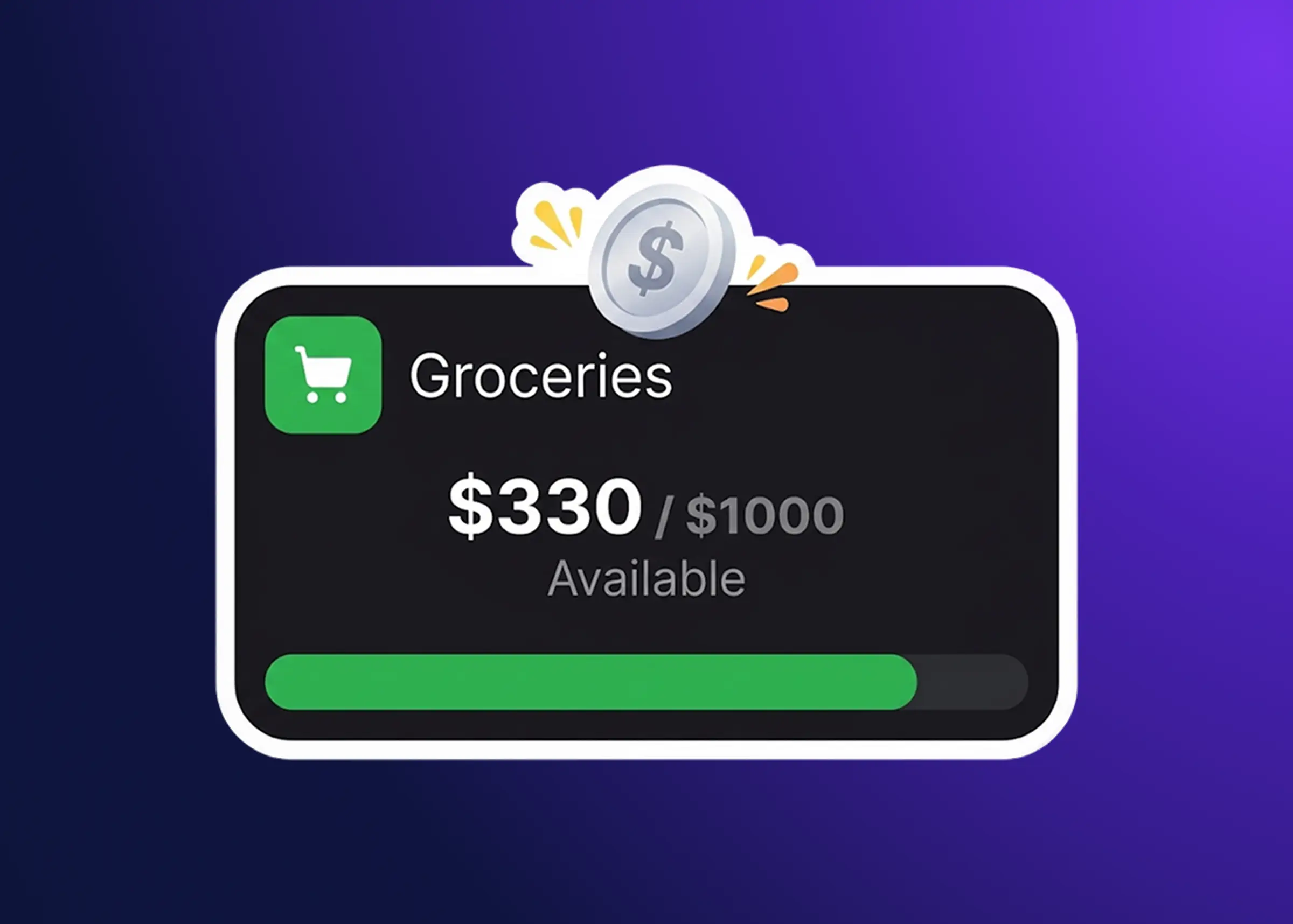
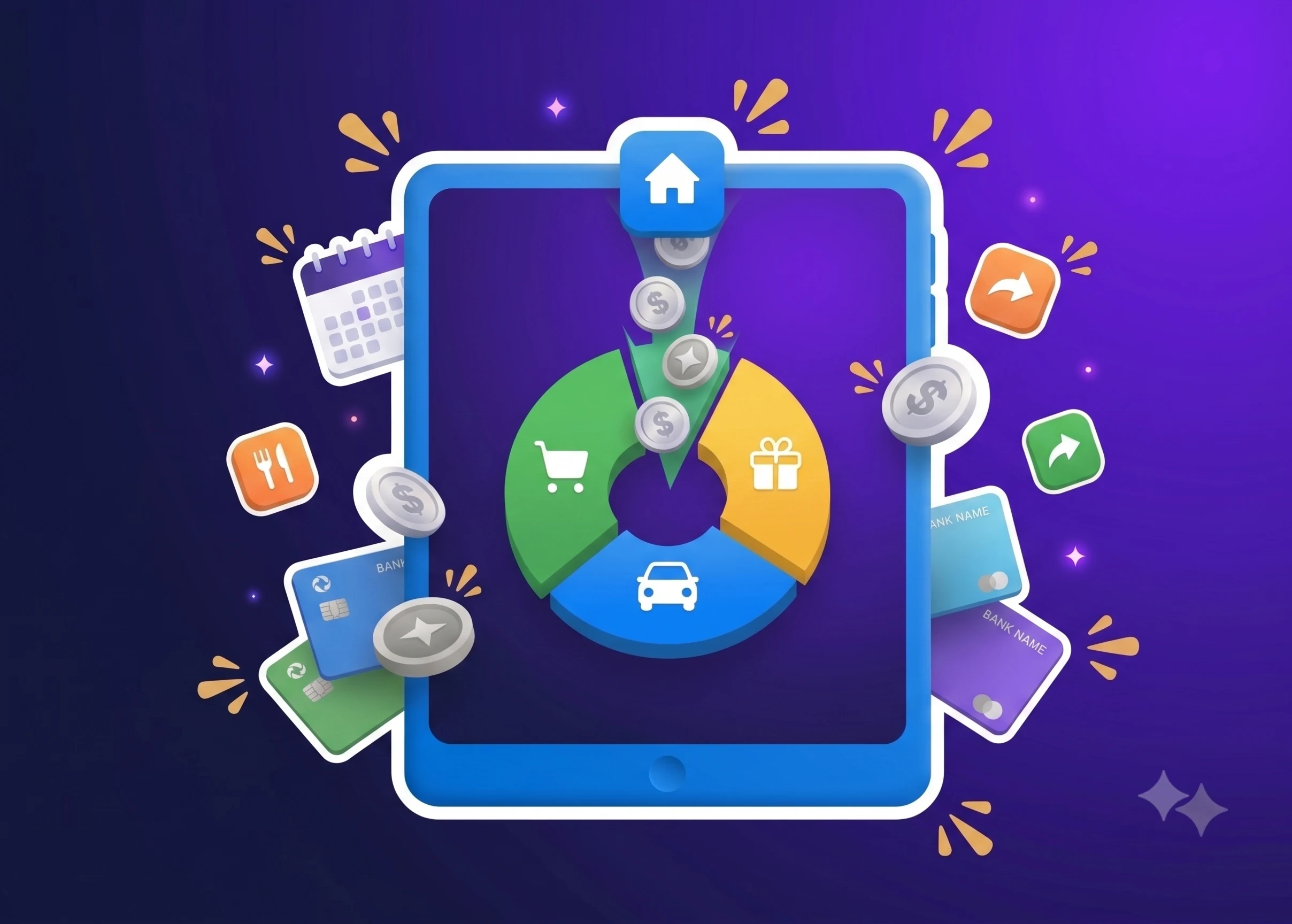
Dzing starts from that number. It calculates a single, transparent safe-to-spend figure from your real commitments:
- Recurring salary (weekly, bi-weekly, or monthly)
- Subscriptions and bills as fixed monthly costs
- One-off expenses, like a flight next month or car insurance due in three
- Savings goals and budget caps across multiple accounts and currencies
The number moves on its own as those planned operations land. Add a subscription and it drops; a salary hits and it rises. You see the full formula behind it, so the figure is never a black box, and you know exactly which commitments pushed it up or down. Instead of sorting transactions into buckets after the fact, you plan against what you’ve already committed to, which suits anyone juggling several accounts and currencies who wants to stop guessing whether Friday’s dinner is safe.
Here’s the honest boundary. Dzing keeps every entry manual by design, so it never syncs a bank, imports transactions, tracks investments or crypto, or moves a cent of real money: it plans your spending, it doesn’t execute it. If you want automatic imports or a net-worth dashboard, that’s a different tool, and Dzing won’t pretend otherwise.