The Expat’s Budget Problem
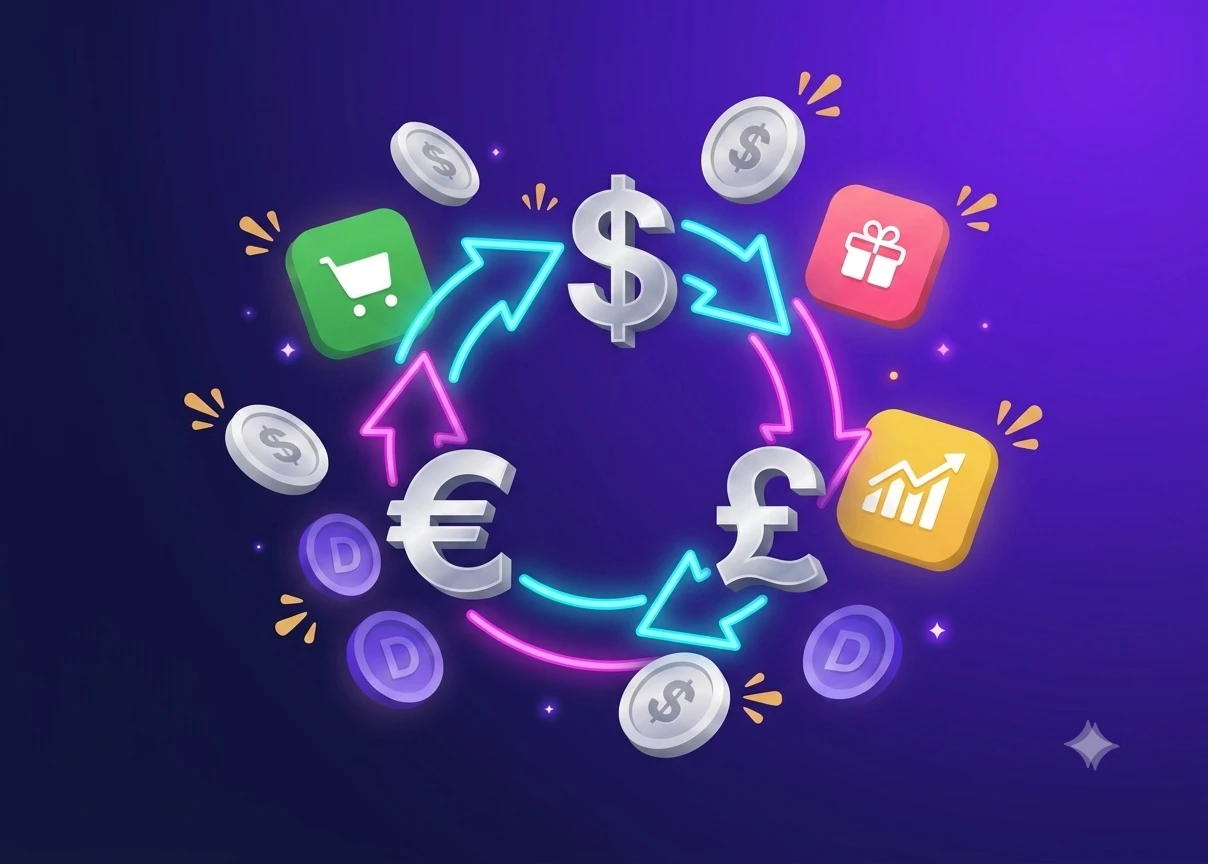
Most budget apps assume your money lives in one currency under one account. Expats live the opposite reality. Your salary might hit a USD bank account, rent comes due in SGD from another, subscriptions bill in a third currency, and travel savings sit somewhere else again.
A single-currency budget forces an ugly choice. Convert everything to one base currency and rebuild the whole thing every time rates move, or track each pot separately and never see your real total. Both leave you guessing, which is exactly what a budget is supposed to fix. Expats need a tool that treats multiple currencies as the normal case.
How Dzing Works for Multiple Currencies
Dzing starts from separate accounts for separate currencies. You create an account for each currency you actually use, whether that is USD, SGD, or PHP, and each one tracks its own balance in its own currency. Nothing gets converted behind your back.
Your USD earnings stay in USD. Your SGD expenses stay in SGD. Dzing keeps the accounts distinct and then computes one safe-to-spend number that looks across all of them at once. That single figure tells you how much you can spend today, given everything you have already committed to, and it comes from a transparent formula so you can always check the math yourself.
Setting Up Your Multi-Currency Accounts
Start by listing the currencies you actually touch. If you earn in one, pay rent in another, and keep an emergency fund in a third, that is three accounts minimum. In Dzing you create an account for each and set its currency when you make it, so the USD account shows USD and the SGD account shows SGD.
The account then holds every operation in that currency: income, expenses, subscriptions, all of it. Separate accounts are not about walling money off, they are about seeing clearly how much you hold in each currency without any conversion in the way.
Planning Your Operations in Each Currency
Money leaves your account in different shapes. Salary is recurring income, rent is a recurring bill, Netflix is a subscription, and a one-off purchase is just an expense. Dzing asks you to plan these ahead of time. For the USD account, add your salary as a recurring operation at the right pay frequency. For the SGD account, add rent as a bill that repeats monthly, and log subscriptions on their own.
The reason is simple: your safe-to-spend number subtracts everything you have already committed to. Skip a bill that lands next week and Dzing will think you have more room than you really do. Planned operations keep the number honest.
Budgets and Savings Goals Across Currencies
You can set budgets by category, like groceries, transport, or entertainment, and those budgets feed straight into the safe-to-spend calculation. Budget SGD 400 for groceries this month and Dzing reserves it; spend SGD 50 and your safe-to-spend drops by SGD 50. Budgets work per currency too, so you can hold USD 150 for dining on a US trip and SGD 50 for dining at home, tracked apart.
Savings goals work the same way, with a target amount and a target date. Saving USD 3,000 for a trip home in three months? Create the goal and Dzing carves it out of your safe-to-spend until you reach it, so you can see how much of your money is already spoken for.
Tracking Daily Spending in Your Actual Currencies
Log each transaction in your actual currency, not a conversion. Your USD lunch stays USD. Your SGD taxi ride stays SGD. Dzing builds your real financial picture from this.
Every time you spend, log it to the right account. Lunch in SGD goes to the SGD account, a freelance payment in USD goes to the USD account, and Dzing stitches these daily entries into your spending history. Over a few weeks that history turns into your analytics base.
You start to see which categories drain each account, which months you overspend, and where you have room to breathe. Because you log in your real currencies, the history reflects what you actually did rather than a rounded approximation.
Understanding Your Safe-to-Spend Number
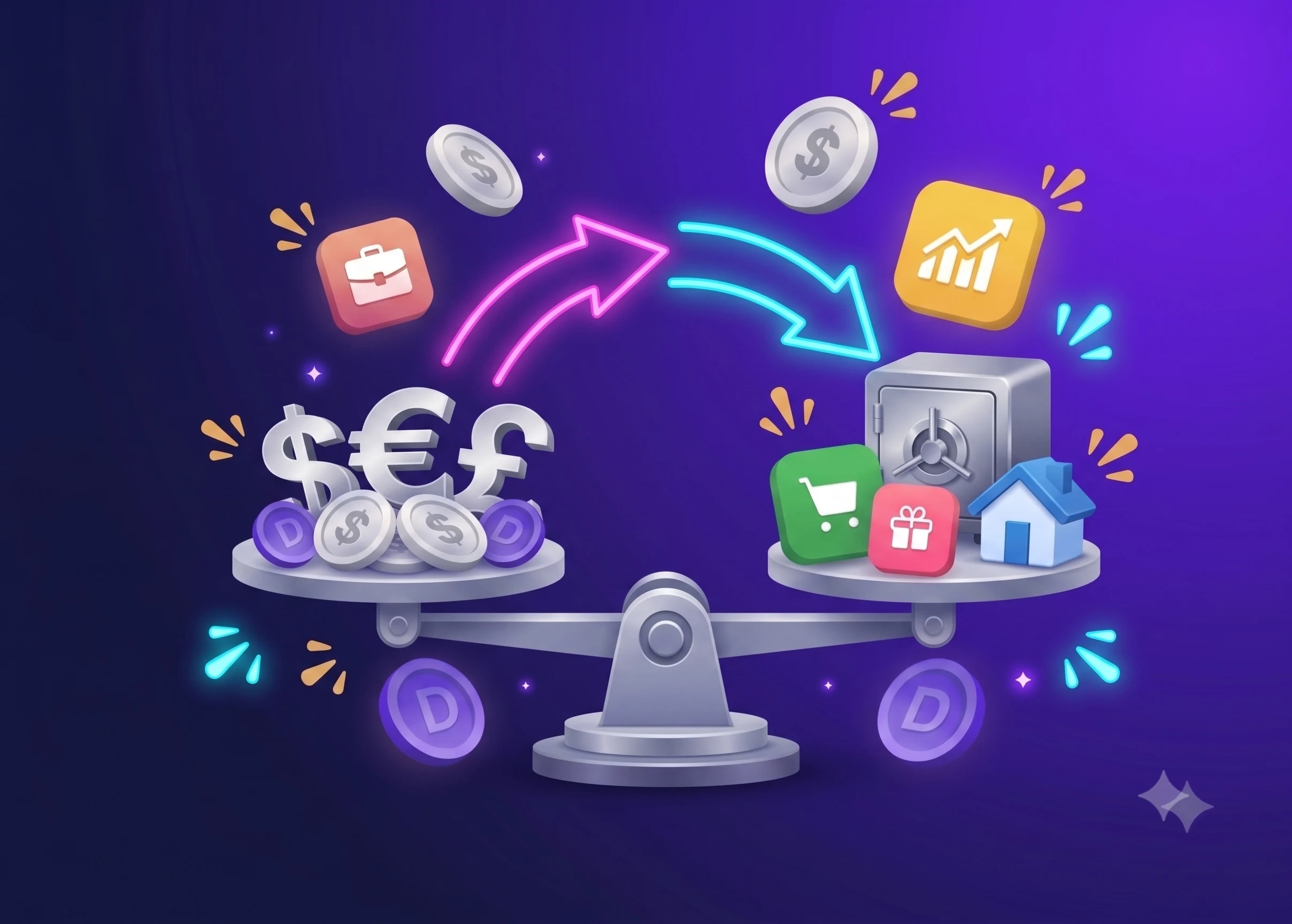
This is where it all meets. Your safe-to-spend number is one figure for how much you can spend today, across every account, every currency, and every commitment you have entered. Dzing builds it from a transparent formula that starts with your total available balance, then subtracts the recurring bills and subscriptions you logged, the budgeted amounts per category, and your savings goals. What is left is what you can spend without touching your bills, goals, or other obligations.
Because the number pulls from all accounts at once, it is genuinely multi-currency. You are not juggling SGD and USD in your head and converting on the fly. Dzing does that work.
Why Manual Entry Matters
Dzing does not sync to your bank or import transactions. Every entry is manual, so you log your salary, your expenses, and your bills, and you own every piece of the data. That sounds slower than an auto-sync app, and for expats it is actually the point.
Your financial life is messy: transfers between accounts, manual invoicing, cash spending, money crossing borders. Auto-import mangles that kind of thing, while typing it in yourself forces you to understand each transaction. Once the habit sets in, logging takes seconds: tap, add expense, pick the account and amount, done.
Reviewing and Adjusting Your Spending
Dzing’s analytics lay your spending history out in front of you. You can see what each category actually cost last month, hold it against your budget, and adjust for the month ahead. Did dining run over? Trim the budget or ease off. Subscriptions creeping up? Cancel one. Spent less than budgeted somewhere? Shift that room to a category that needs it.
These reviews are where people stop guessing about money and start reading their own patterns. Since your data is multi-currency but unified inside Dzing, you see the whole picture in one place instead of piecing it together.
What Dzing Doesn’t Do
Dzing does not sync to your bank, auto-categorize, track investments, crypto, or net worth, pay bills, or move money. If you invest part of your income or hold crypto, Dzing will not see it. If you own assets in several countries, it will not roll them into a net worth figure.
For expats managing cash flow across currencies, that boundary is usually fine. You track what you spend and what you save, and you look elsewhere for what your investments are worth.
Getting to One Number You Can Trust
Right now, running a multi currency budget for expats by hand means a sprawling spreadsheet, rate lookups, and a nagging doubt about whether the total is even right. You check three account balances, do the conversion in your head, and still hesitate before booking that flight home.
Picture the same moment with the friction gone: three accounts in their own currencies, a few seconds of logging, and a single safe-to-spend number that already accounts for rent, subscriptions, and your savings goal. Dzing gives you exactly that. Separate accounts with multi-currency support, planned operations for salary and bills, budgets and goals that feed the calculation, and spending history you can review later.
It does this without ever touching your real money or syncing your bank; every entry stays manual by design, which is what keeps messy cross-border spending accurate. Set up your accounts once and the guessing stops.