Most people discover their subscriptions the way you discover a leak: by looking at the statement and counting charges you don’t remember approving. Nothing about the sign-ups felt reckless at the time, which is exactly the problem.
Where These Numbers Come From
Americans spend an average of $91 per month on subscription services, and nearly half of consumers sign up for free trials they never cancel. Those two facts explain almost everything about how a statement gets crowded. The trial converts silently, the charge lands, and nothing in your day flags it.
How Small Subscriptions Turn Into a Big Monthly Bill
One forgotten $10-per-month service costs $120 a year. Let five or six slip through and you are at $600 to $720 annually, which is real money that could have gone to an emergency fund. The math is obvious in hindsight and invisible in the moment.
A three-day streaming trial, a free month of software, a sign-up where the browser auto-filled your card: each one feels too small to think about. That is why they survive. A $500 purchase triggers your spending awareness; a $12.99 charge slides past it every month for years.
Running a Personal Subscription Audit
You cannot cancel what you cannot see, so the audit comes before any decision about what to keep. The goal is one list, built from every account, with every recurring charge on it.
The Low-Tech Way
Print your last three months of bank and credit card statements and highlight every recurring charge by hand. You are looking for the giveaway labels (“subscription”, “recurring charge”, “auto-renew”, “monthly membership”) plus anything from streaming services, software tools, app stores, and membership clubs. The pattern shows up fast: the same amount, the same merchant, the same date each month.
Copy the highlighted items into one list with the merchant, what it is for, and the monthly cost. Highlighting by hand sounds primitive, and it works for exactly that reason. You have to look at each line instead of letting it blend into the page.
Deciding Which Subscriptions Are Worth Keeping
Two questions settle most of the list: do you actually use this, and does something else give you the same thing for less? Be specific about the evidence. Have you watched anything on that streaming service in the last month, opened that productivity app more than twice, shown up to anything the membership covers?
Check the resubscription terms before you cancel, because some services make you wait before signing up again. If there is a real chance you will come back (a show you want to binge later, a tool with a busy season), knowing the waiting period changes whether cancelling now is smart. Finding that out afterward is how people end up locked out of something they wanted.
Apps and Bank Tools That Track Subscriptions For You
If highlighting statements sounds like a chore you will never finish, Rocket Money and Trim are free apps that find recurring charges by linking to your bank or credit card accounts. Both put every subscription in one dashboard, so discovery takes minutes instead of an evening with a printer. Their paid tiers add budgeting help and will cancel subscriptions for you: you approve, they handle the merchant.
You may not want a third-party app holding access to your accounts, and there is a middle path. Capital One and Chase track recurring charges inside their own credit card platforms and let cardholders cancel through the bank’s app instead of calling the merchant. You get the visibility without handing your full account access to another company.
Catching Auto-Renewals Before You Get Billed Again
An audit fixes today’s list, not next month’s sign-up. Turn on transaction notifications for your bank account and cards so every charge pings you as it posts. A renewal alert gives you a window to call and cancel or ask for a reversal before another full month of service rolls onto your bill.
Speed is the whole advantage here. Plenty of merchants will reverse a single month’s charge if you reach them right away, and that same request lands very differently three statements later.
Know Your Cancellation Rights
The FTC’s “click to cancel” rule set a simple standard: if signing up took one click, cancelling should too, with compliance due by May of this year. Enforcement is uncertain under the new administration and FTC chair, so treat the rule as a helpful backstop rather than a guarantee. Checking your recurring charges yourself, and actually following through on the cancellations you decide on, is still what keeps subscription creep in check.
Seeing Every Subscription Inside Your Spending Number
The audit works, and then three months pass. You sign up for two more services, forget the renewal dates, and your subscriptions are back to living in your head and across four different accounts. That is the friction: the list is only accurate on the day you build it.
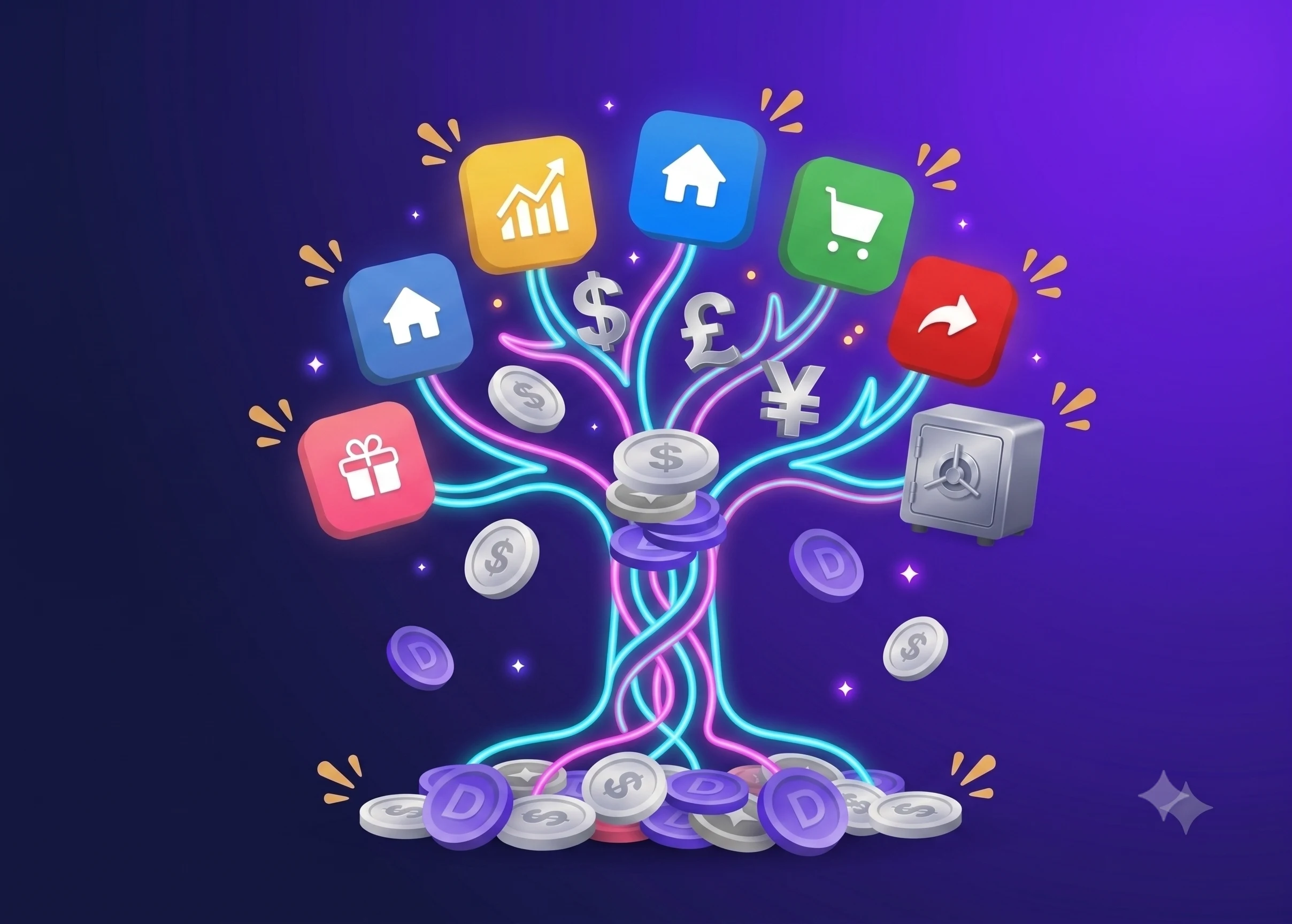
Picture the other version, where every recurring charge already sits in the same place as your income and bills, and the money they consume is subtracted before you decide what you can spend this week. Dzing does that with a safe-to-spend number computed from a transparent formula you can open and inspect line by line. You enter subscriptions as planned operations, the same way you enter salary or an upcoming bill, across multiple accounts and currencies, with budgets and savings goals feeding the same calculation. A forgotten $10 charge stops being invisible and becomes a line that reduces what you have available.
Dzing does not sync with your bank, and that is deliberate: every entry is manual, so the app never touches your real money and cannot cancel anything on your behalf. Typing in a subscription is the moment you decide whether it deserves to be there.