The One Number for What You Can Spend Today
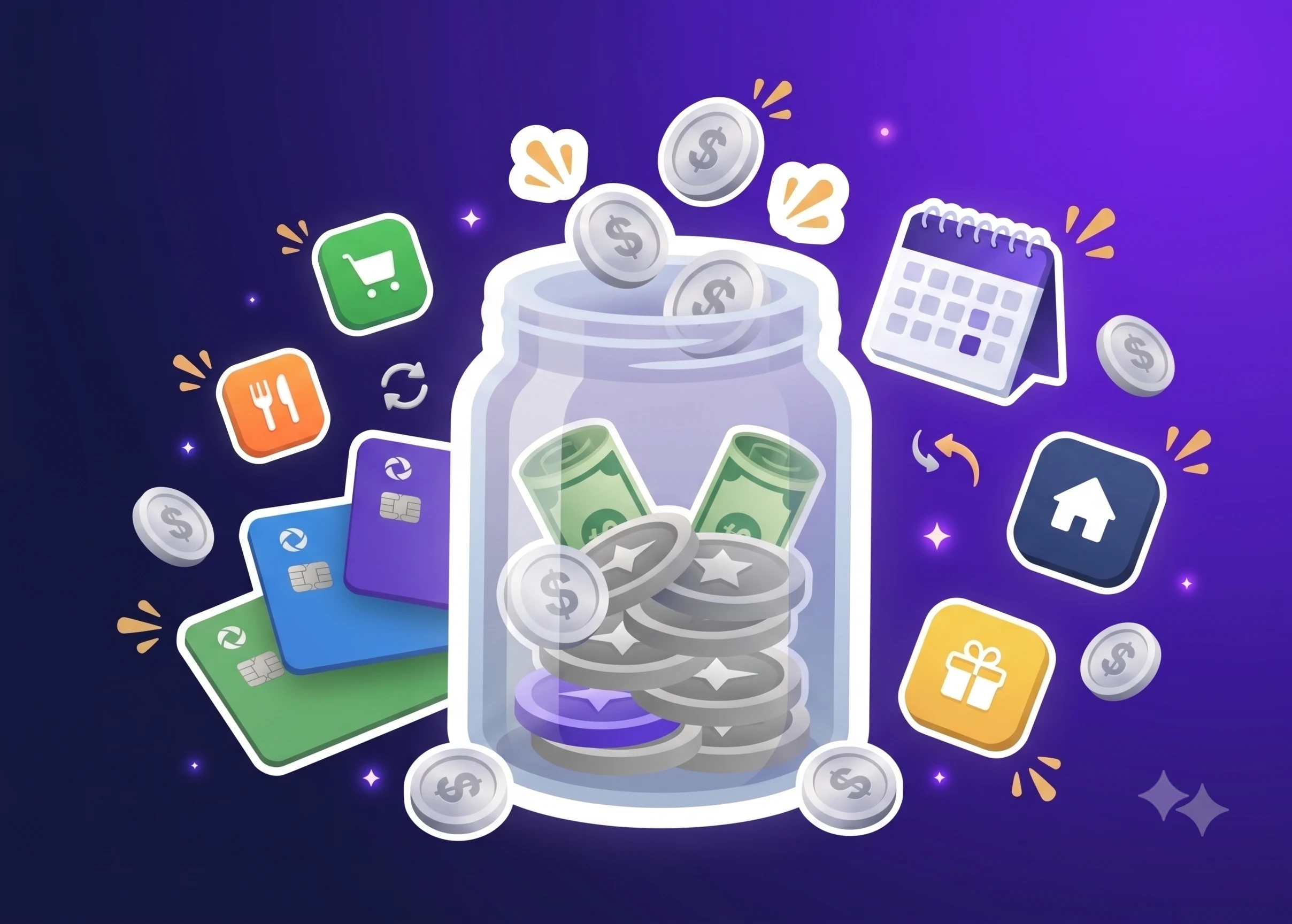
“Safe to spend” is one number: what you can spend today without breaking a commitment you already made. A checking balance ignores the rent due Friday, the subscriptions that renew Tuesday, the paycheck landing next week, and the money you already promised to a savings goal. Safe-to-spend counts all of it, on your payday cycle rather than a calendar month.
Most people stare at a balance with no idea what it owes. You see $2,000, but $1,200 belongs to rent in five days, $300 to insurance next week, and $500 is grocery money that has to last. That $2,000 feels safe right up until the rent clears. Replacing the guess with a stated calculation is the whole point.
One number forces income timing, fixed obligations, recurring costs, and discretionary spending into the same view. Without that, you get the familiar background hum of money anxiety: cash in the account, no confidence about touching it.
How Safe-to-Spend Differs from a Bank Balance
A bank balance is a snapshot of cash that says nothing about what the cash is promised to. $3,500 looks comfortable until you remember $2,800 goes to rent in three days, leaving $700 to cover food, transport, and utilities for two weeks.
Safe-to-spend is arithmetic instead of a snapshot: planned income minus planned obligations, recurring costs, and money routed to goals, measured across your actual pay period. Paid on the 15th and 30th? The number resets then, not on the 1st. That alignment does real work. Calendar budgets make you squeeze your life into date boundaries nobody chose; a payday cycle matches when money lands.
The Dashboard: Your Safe-to-Spend Starting Point
A pay-date planning app opens on the dashboard, and the first thing it shows is a countdown of days until your next payday or planning cycle. That countdown sets the boundary for everything else. Whatever you plan has to fit between today and that date.
The dashboard displays three progress bars tracking actual spending against what you planned:
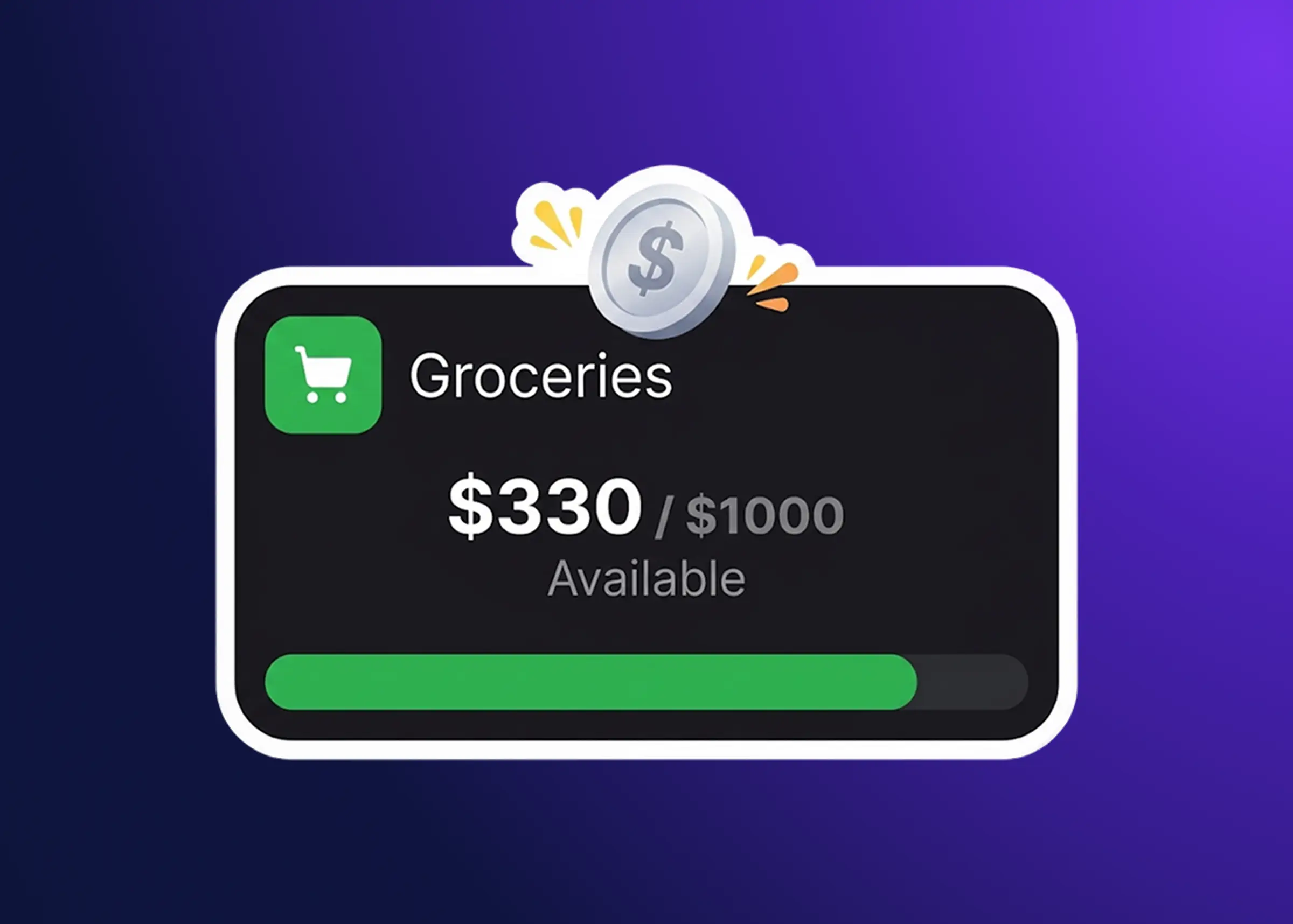
Fixed expenses are the non-negotiable ones: rent, mortgage, insurance, loan payments. Miss them and you collect late fees and credit damage. Flexible expenses are necessary but shifting week to week, like groceries, utilities, fuel, and household supplies. Optional expenses cover entertainment, dining out, hobbies, and the extra subscriptions you kept because they seemed worth it, and they are the first thing to shrink when something goes wrong.
The split matters because each group behaves differently under pressure. A $500 flat tire cannot come out of rent. It can come out of $200 in groceries, $150 in dining out, and $150 in entertainment, which is exactly the kind of choice the categories make visible.
Under the progress bars sit your next five upcoming fixed expenses, with a red exclamation mark on anything overdue. It is a short list, and that is what makes it usable: what is due soon, what already slipped. You catch a missed payment before the late fee, not after.
Tapping a progress bar drops you straight into the tracking screen, filtered to that category. Want the full fixed-expense picture? Tap the fixed bar. Wondering where groceries stand? Tap flexible. No nested menus to dig through.
Recording Your Actual Spending
As you spend during the pay period, you log each purchase against the planned item it belongs to. Three inputs: an optional comment for what you bought or why, the date you paid, and the exact amount.
Spend the full planned amount on an item (say $100 budgeted for groceries, $100 spent) and it moves out of the active list into a completed items section. That shift tells you at a glance which categories are finished. Completed items stay editable, which matters more than it sounds, since you will forget to log a trip or fat-finger an amount at some point.
Flexible items work differently. Groceries stay in the active list as long as planned money remains against them, because you are going to shop again before payday. Otherwise you would close out a $100 grocery budget after the first trip and have nowhere to put the $80 you spend on Thursday.
Filtering Spending by Account and Category
The tracking screen filters by account and by expense type at the same time. One account, one category, or both narrowed at once, and filters clear individually so you never get stuck in a view you did not want.
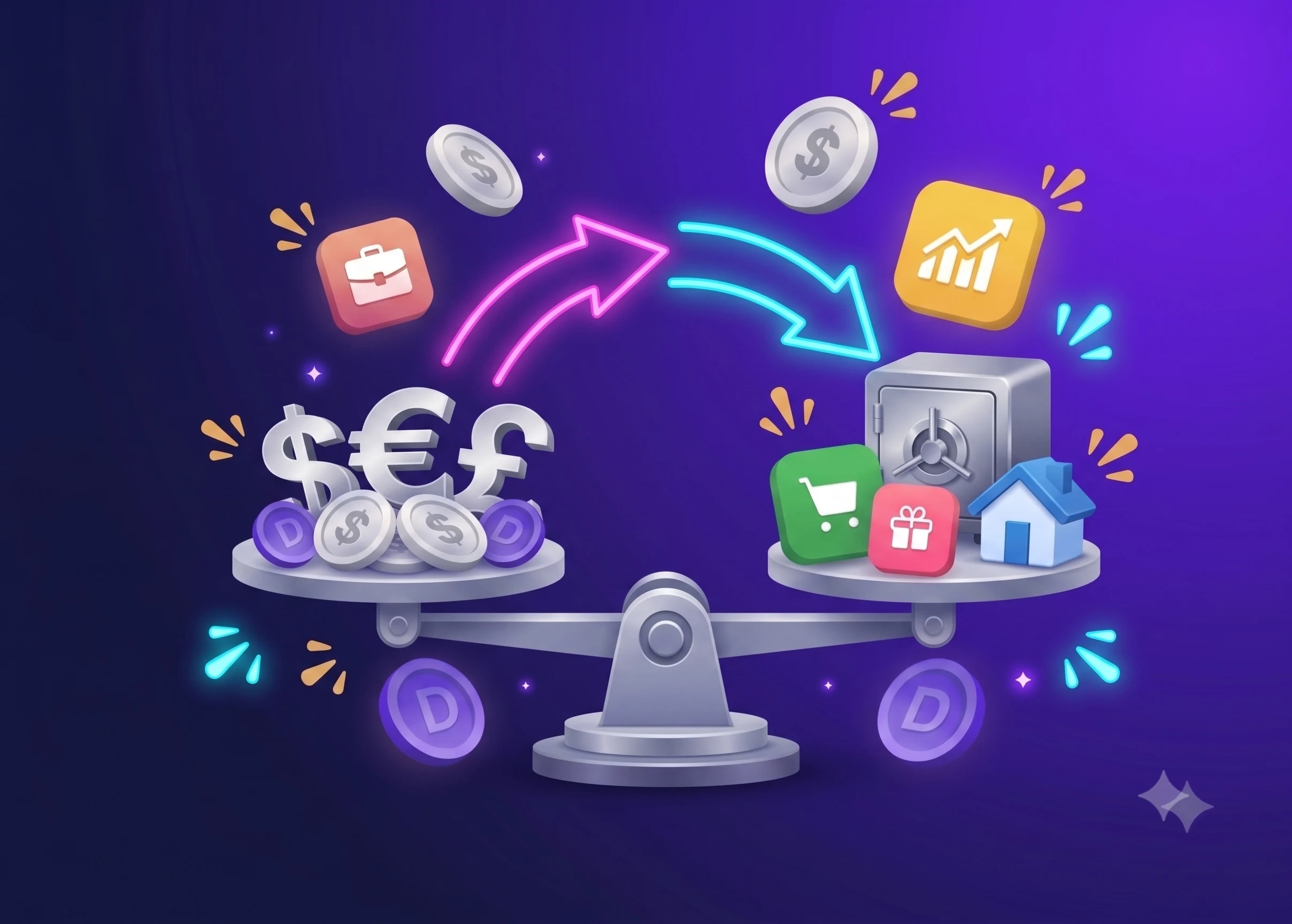
That matters as soon as your money lives in more than one place. Spending split across checking, a credit card, and a savings account you occasionally raid needs to be readable account by account, because “do I have money” and “do I have money in the account I am about to pay from” are different questions. Dzing supports multiple accounts and multiple currencies, so money spread across countries or institutions stays separable.
Adding Unplanned Expenses
The plan meets a car repair, a birthday gift, a medical bill you did not see coming. Those go in through the menu option for adding an unplanned spend: description, account, date, amount.
The app then recalculates your safe-to-spend number. If the unplanned expense pushes you negative, it flags the problem and offers three fixes.
The first is to reduce flexible or optional items that still have money left, such as pulling $50 from groceries and $30 from dining out to cover an $80 repair. Pick several items and the app splits the overspend evenly across them, so you are not doing arithmetic in your head at the auto shop. The second is to add money you have received since you planned: a bonus, a tax refund, a side-project payment. That tops up the cycle without cutting anything.
The third is to accept the overspend and carry it into the next planning cycle untouched. Nothing gets adjusted, you have simply recorded that you went over. Keep it for genuine emergencies where the other two options are not available.
One constraint shapes all three: only flexible and optional items can be reduced. Fixed items are locked, so rent and insurance survive even when an emergency forces a cut somewhere. A surprise expense cannot cascade into a missed rent payment.
Why Manual Entry Means Accuracy
Dzing does not sync your bank account. Every entry is typed in by hand, which sounds like a tax on your time until you notice what it catches. A debit card that processes twice, a subscription filed under the wrong category, a transfer recorded as an expense: automatic sync swallows these quietly, while typing the number surfaces them the same day.
Manual entry also keeps the number tied to your intentions rather than a categorization guess. You planned $100 for groceries; an auto-synced $150 receipt would rewrite that on your behalf, without asking. Typing it yourself means you decide what counts.
Why This Beats Checking Your Balance Alone
Safe-to-spend wins because it puts your obligations and their timing into the number before you spend, not after. A checking balance is reactive: you see cash, you spend, and halfway through the month you discover you already promised more than you had. The safe-to-spend number has already subtracted every dollar that is spoken for.
It also resets when money actually arrives, so the guide matches your income schedule instead of a date somebody printed on a calendar. The progress bars show which categories still have room and which are fully allocated. Editable completed items and clearable filters keep the number correctable when reality moves, which it will.
Tools That Calculate Safe-to-Spend
Several apps build on the idea of a deliberate safe-to-spend calculation.
Dzing computes the number from planned operations (salary, subscriptions, bills, expenses), budgets, and savings goals across multiple accounts. Entries are manual, so the result reflects what you intended to spend rather than an algorithm’s read of your habits.
YNAB (You Need A Budget) pioneered zero-based budgeting, assigning every dollar a job before you spend it. It syncs with banks and builds a monthly budget that covers every planned expense.
Monarch Money runs as an all-in-one net-worth dashboard and budgeting tool, pulling investments, credit cards, and checking accounts into one view.
Copilot Money leans on bank sync for automatic expense tracking and categorization, with a mobile-first design that captures spending as it happens.
Rocket Money works the other end of the equation, cancelling subscriptions and negotiating bills so your recurring costs drop and your safe-to-spend number grows.
The angles differ: zero-based budgeting at YNAB, full net-worth tracking at Monarch, hands-off automation at Copilot, bill optimization at Rocket Money, manual planning with a transparent calculation at Dzing. What they agree on is that a checking balance alone will not tell you what you can safely spend.